|
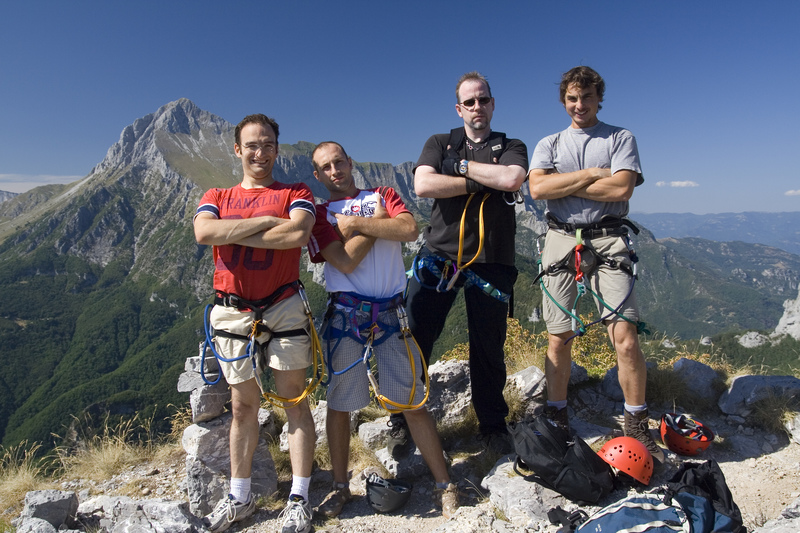
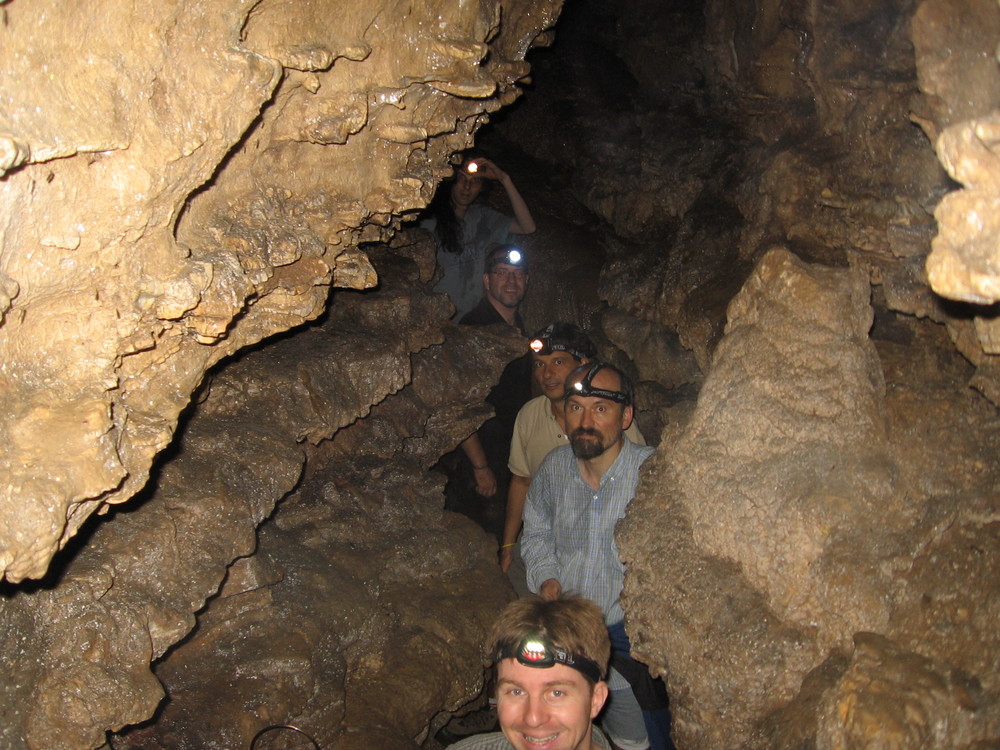
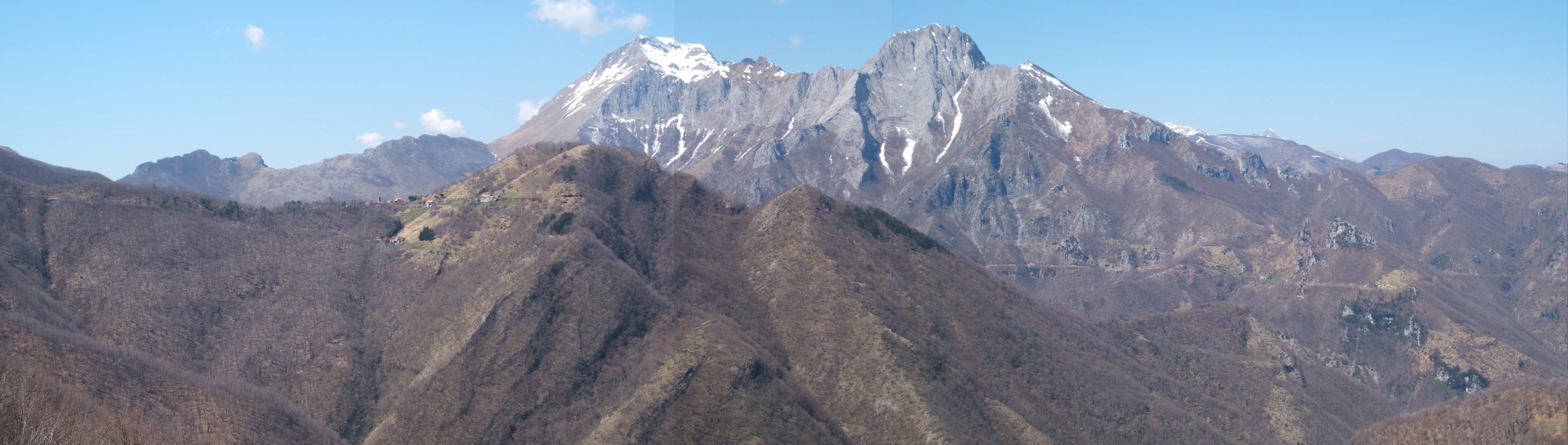
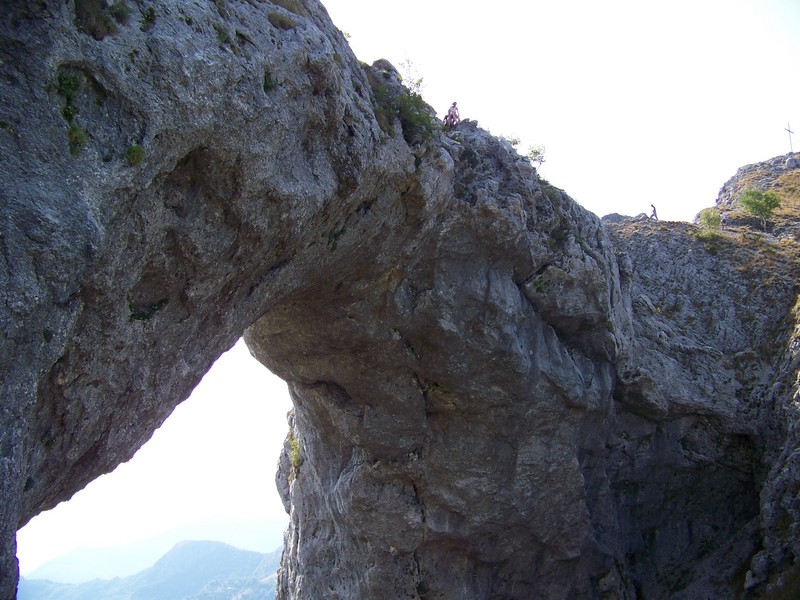
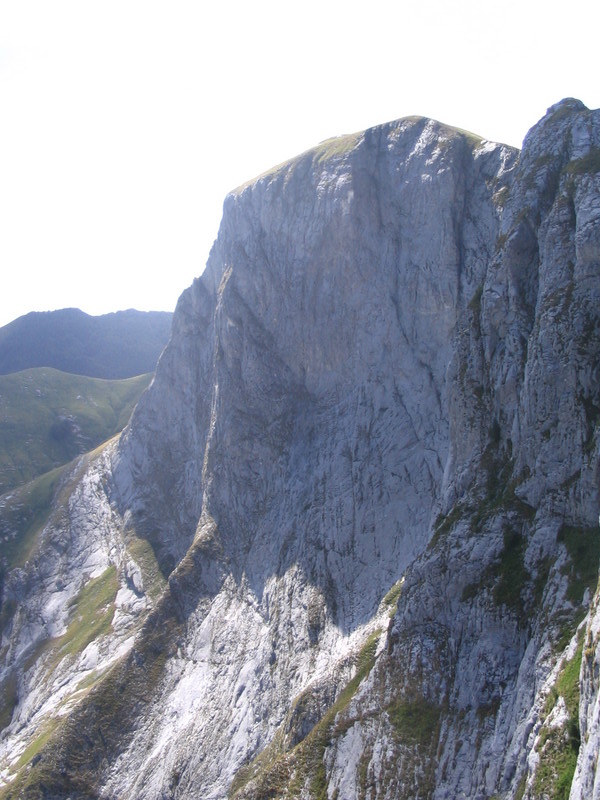
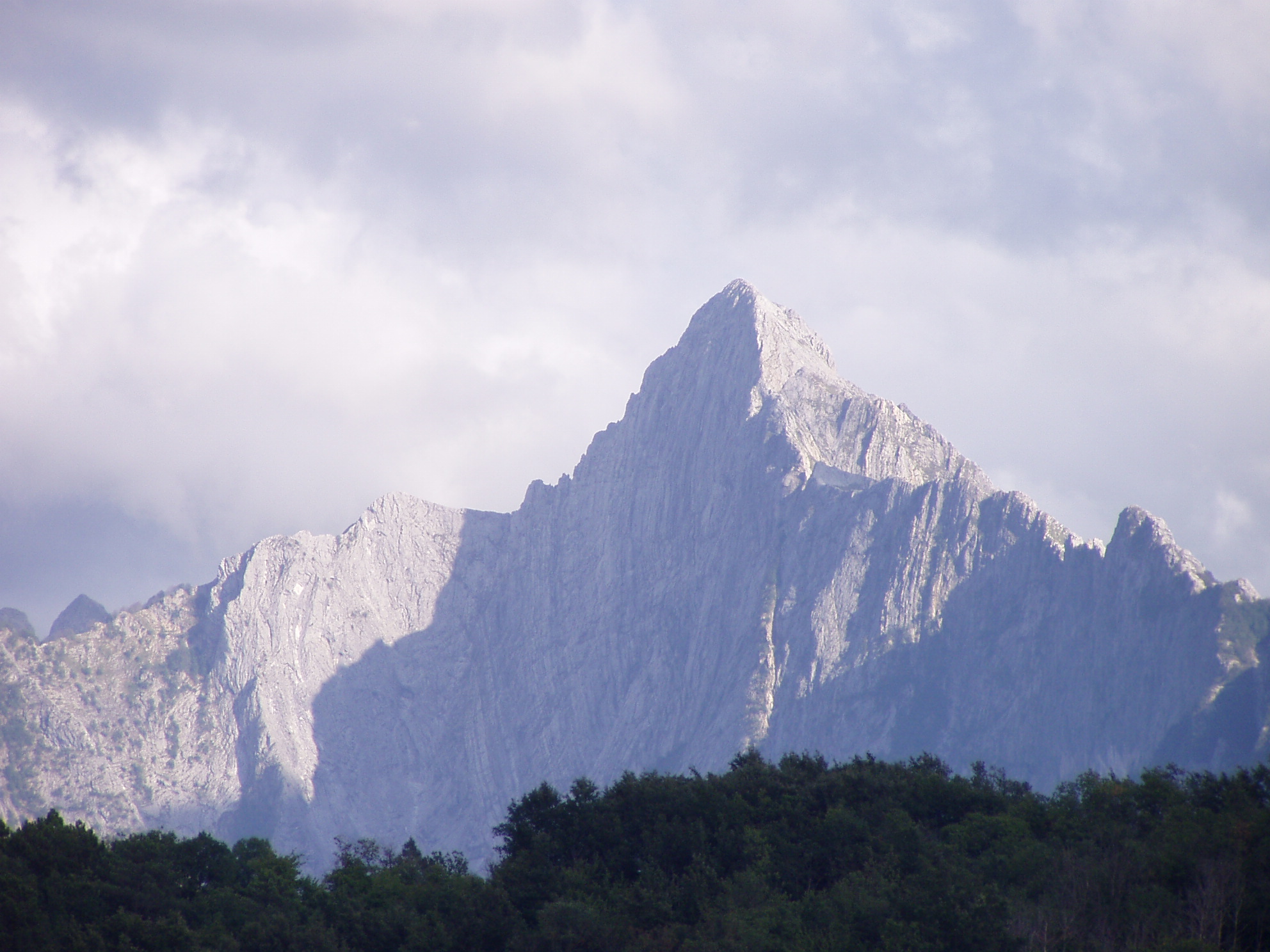
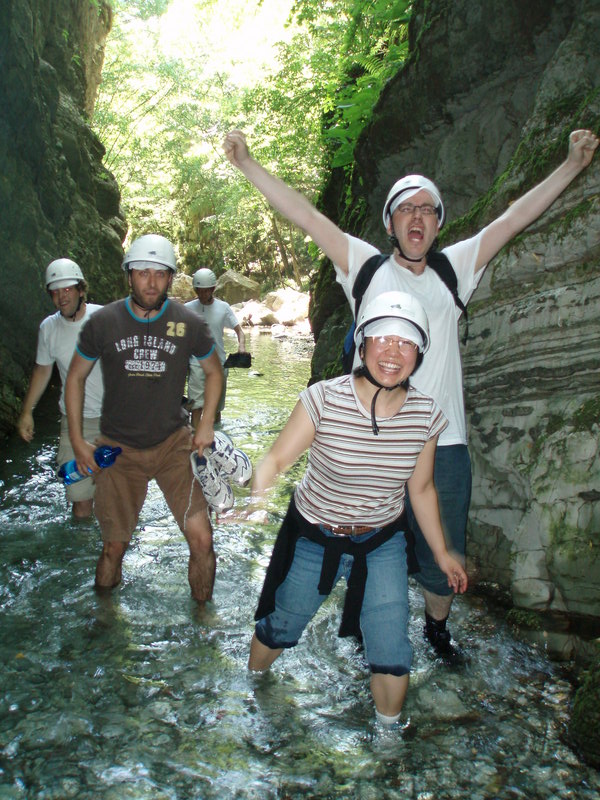
People staying at the Institute can enjoy guided walks to the top of spectacular local mountains and into various interesting caves. Recent visitors have been to the top of Pania della Croce, Pania Secca, Monte Procinto, Monte Forato, Monte Sumbra, Monte Nona, Monte Matanna, Pizzo d'Uccello, Monte Croce and Monte Palodina. They have also explored the Orrido di Botri canyon, and the Tana di Cascaltendine, the Tana che Urla, the Buca della Freddana, and the Vasaio di Motrone caves, amongst others.
Locate and map any cave in Tuscany
Instructions for non-Italian speakers: (this used to be vastly more
complicated before a recent 2014 upgrade)
- Use the buttons on the top left to navigate within the map i.e. zoom in
and zoom out and move around.
- When you find some cave you want to know about
press Seleziona then click the dot where the cave is. You'll get a pop
up window give you information about the cave. The most important info is obtained by pressing the two links in the table; these link to
pdf files containing (1) limited basic data about the cave ('Scheda'), and (b) a map of the cave ('Rilievo'). For really crap caves the Rilievo map may not be present, though it usually is..
- In the 'Scheda', the 'Dislivello' numbers refer to how much the cave goes up and down; the 'Sviluppo' numbers tell you about the horizontal extension of the cave (both in metres).
- You should be able to press the Print button to create a map suitable for printing (you are given the option of adding a title ('titolo') first). You can
add your own annotation to the map using the TEXT button.
- Go and visit the cave. Just finding it can be quite a laugh. Before I found this site I had to pace around a square kilometre or so of land based on people vaguely waving a hand and saying 'It's over there somewhere'. Hmm..
Local Garfagnana links
Canyoning
Other useful climbing and caving links
|